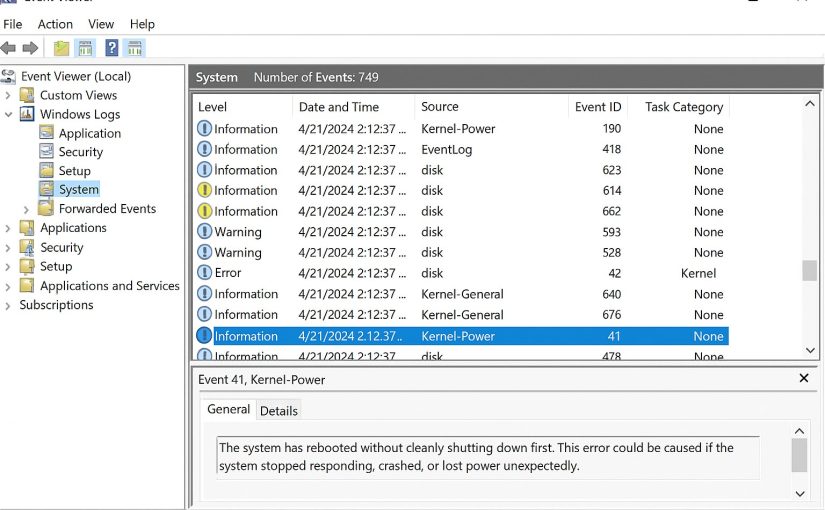
When something goes wrong on a Windows Server whether it’s performance degradation, unexpected restarts, authentication failures, Group Policy issues, or application crashes the first and most powerful troubleshooting tool at your disposal is the Windows Server Event Viewer.
Event Viewer is often misunderstood or overlooked by junior administrators because it can feel noisy or overwhelming. But for experienced sysadmins, it is the single most important source of actionable diagnostic information inside any Windows environment.
In this comprehensive guide, we’ll break down exactly how to use Windows Server Event Viewer to troubleshoot server issues, what logs matter, how to filter events, how to correlate issues across logs, and advanced techniques every admin should master.
Continue reading How to Use Windows Server Event Viewer to Troubleshoot Server Issues